This assignment submission method is for those who need to upload files from their local laptop drive, not from Google Drive.
- Navigate to the Schoology assignment where you need to make a submission.
- Click Submit Assignment.
- Click on the file icon and locate the file on your local drive.
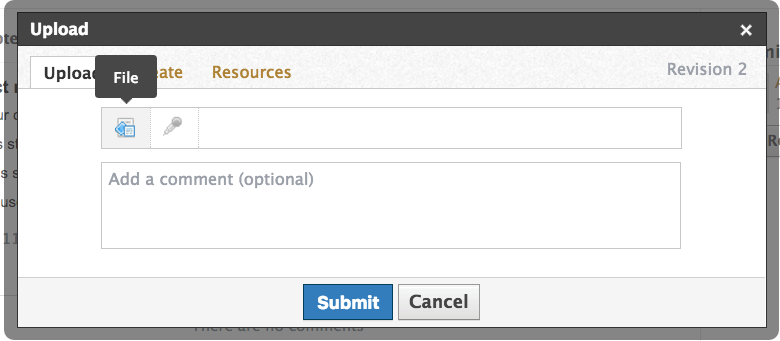
- Double click to select, and click Upload.

Comments