- Log out of any Gmail account(s) users on this device may be logged into.
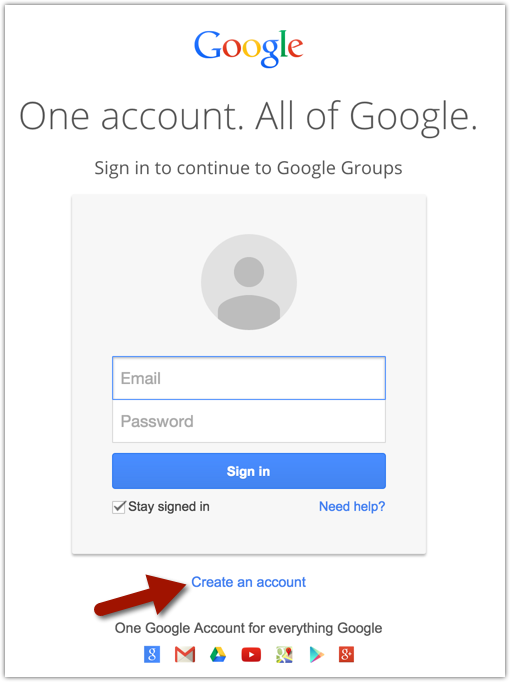
- Click on https://accounts.google.com.
- Click on Create An Account.
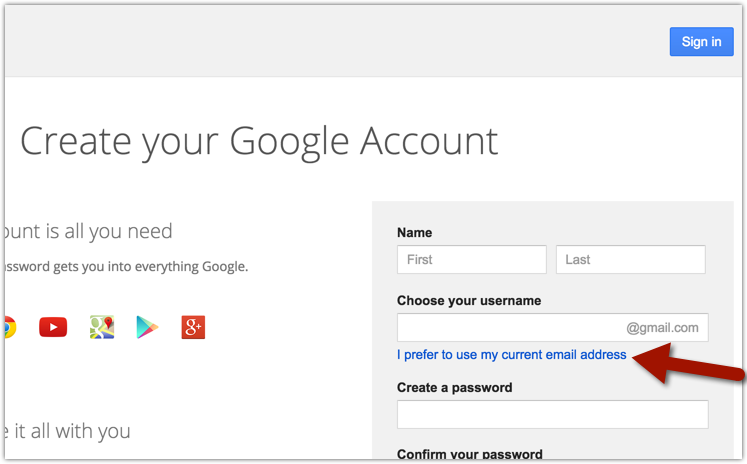
- Click on I prefer to use my current email address.
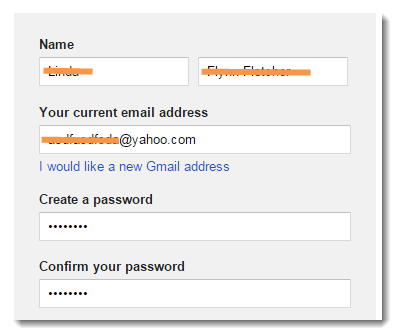
- Complete the form using your current non-Gmail email address, like this one:
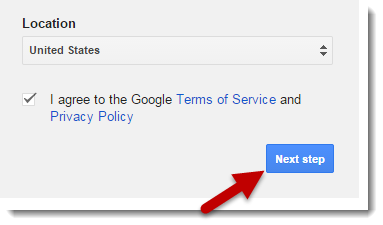
- When you're done filling out the rest of the required information, click on Next step:
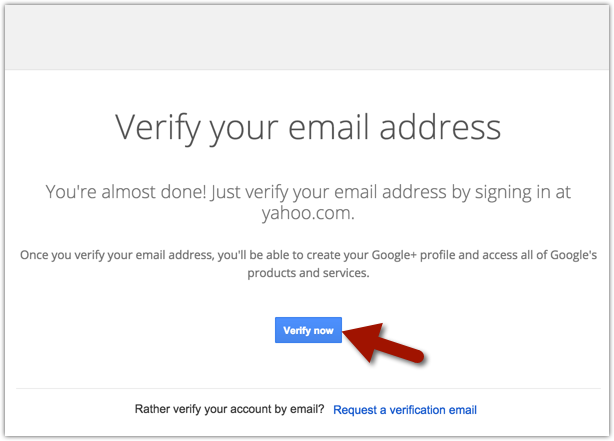
- Verify your email address to finish the sign up process.
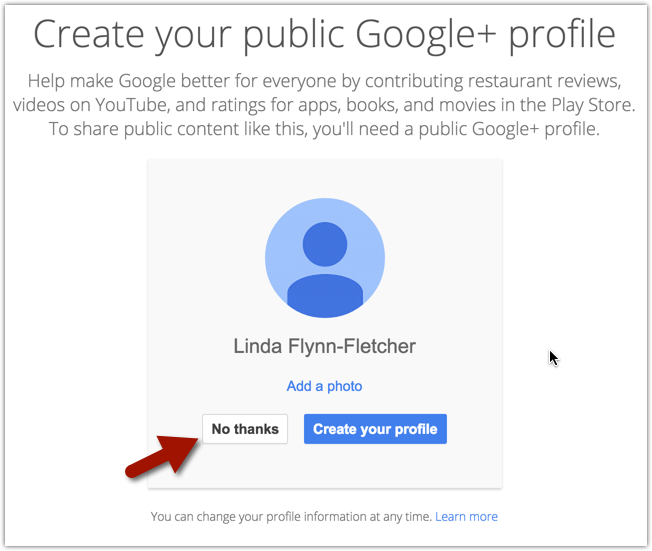
- When you have successfully verified your account, you may be asked to create your public Google+ profile. Click on No thanks.
Comments